Blog
Discover our latest articles and blogs
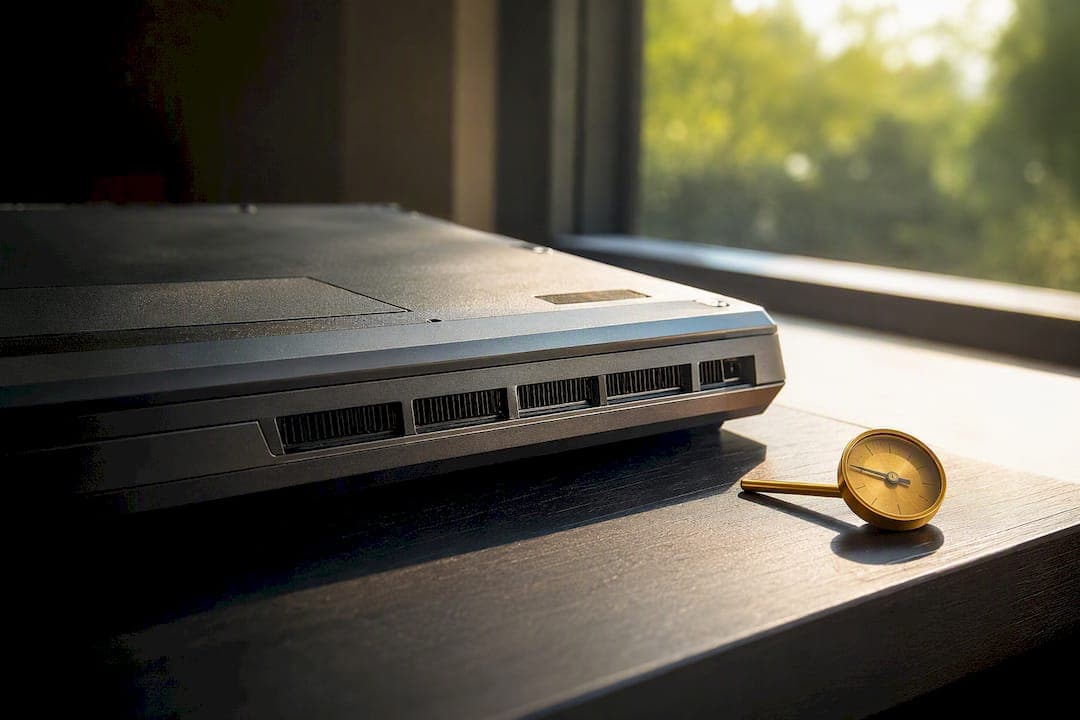
Drop Temps 8–12°C in 15 Minutes: 5 Laptop Cooling Tips for Windows
Windows laptop cooling checklist: 5 quick fixes to cut temps 8–12°C in 15 minutes, plus cleaning and repaste advice and Tempered-backed checks to stop...

Diagnose Before You Disable Windows 11 Power Throttling Safely
Stop Windows 11 power throttling safely: diagnose first, exempt affected apps with powercfg, then use Group Policy or the registry if needed.

Gamers: Windows 11 25H2 vs Windows 10 — 3-Step Tempered Fix
Bench tests show Windows 11 25H2 often edges Windows 10 in CPU-bound games, but real gains need tuning. Run the 3-step Tempered checklist to reproduce...
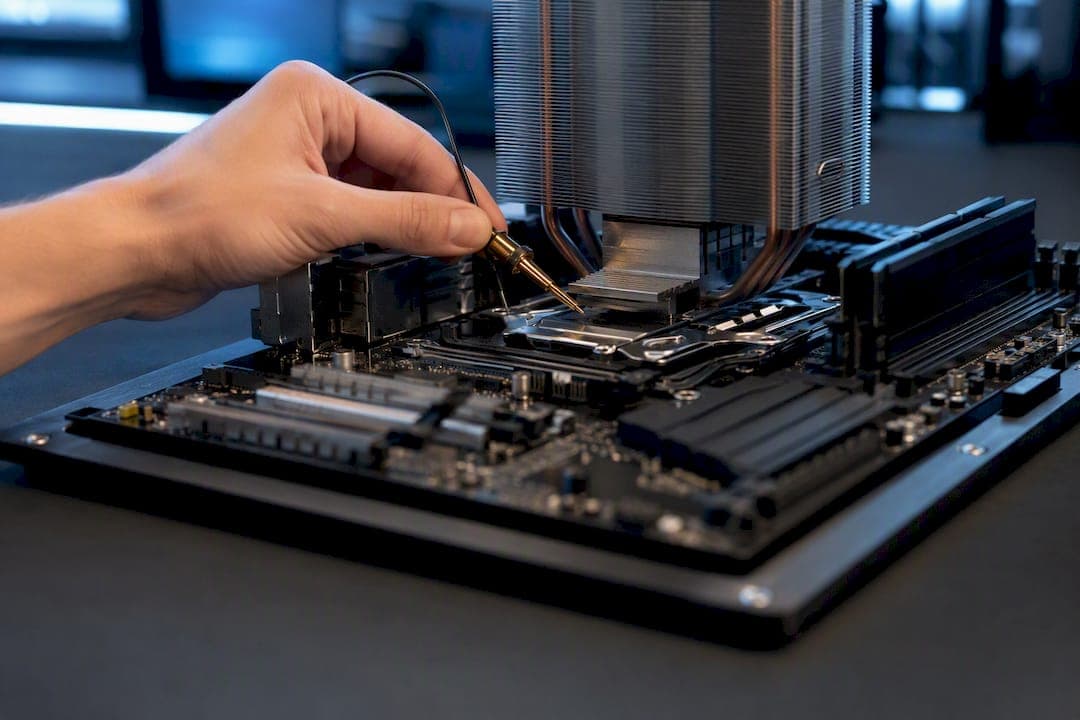
Prove and Fix CPU Thermal Throttling on Windows in 20 Minutes
Use a 20 minute HWiNFO log to prove CPU thermal throttling, apply quick fixes: clean fans, undervolt, adjust power settings, or try Tempered.
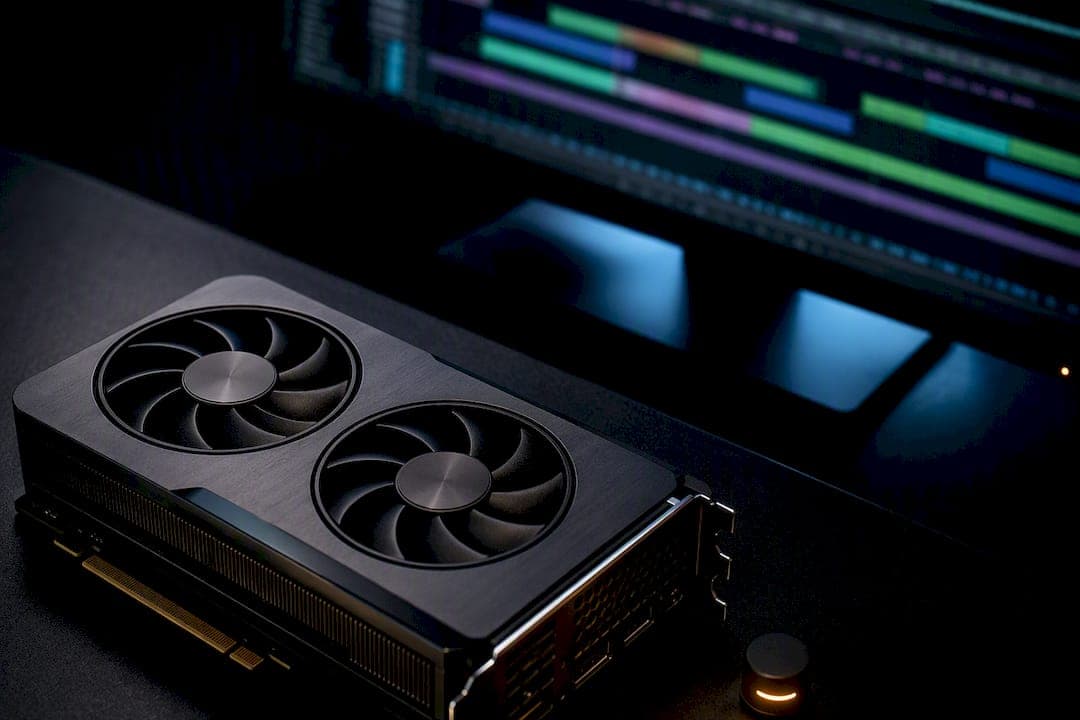
Spot GPU Culprits by Engine Type & Timing on Windows, macOS, Linux
Platform-first steps to check GPU usage on Windows, macOS, and Linux. Identify the guilty process fast, read engine type and timing, or run an automated scan.
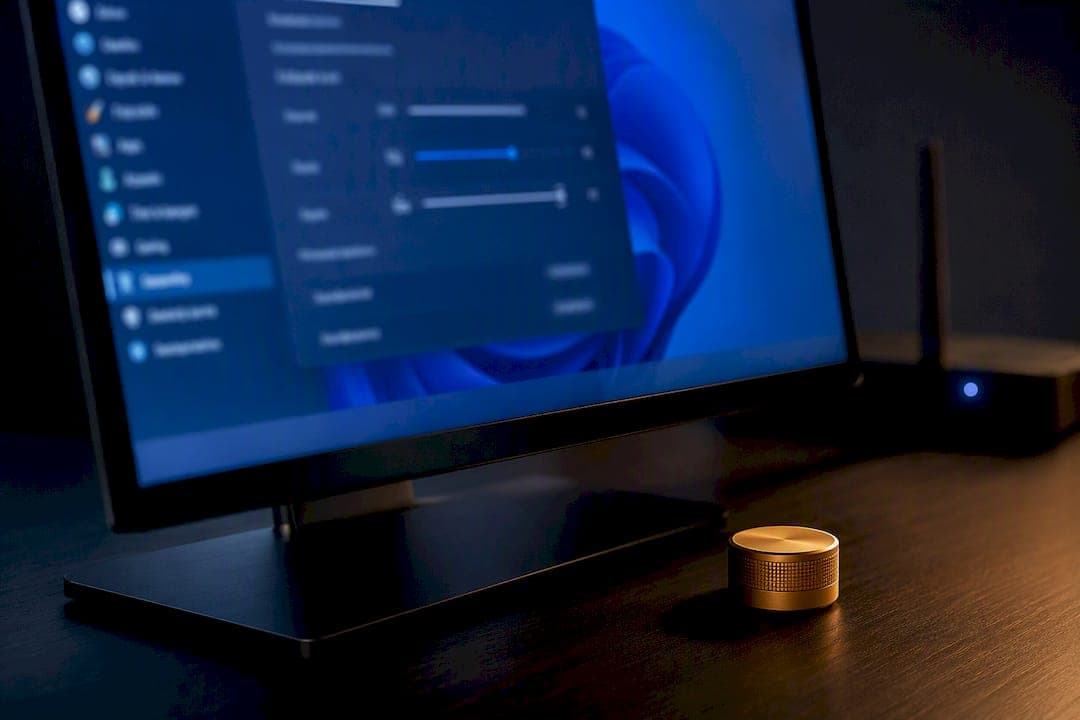
Settings First: Limit Windows Update Bandwidth Without Extra Apps
Start in Windows Settings to cap update download and upload speeds, then scale to Group Policy, Registry, or BITS. Includes safe rollback steps and how to...

Windows Gamers: 3 Step Diagnostic to Pick Fullscreen or Windowed
Windows gamers: stop guessing. Learn whether exclusive fullscreen, borderless, or windowed fits your rig. Run the 3 step diagnostic from the article and...
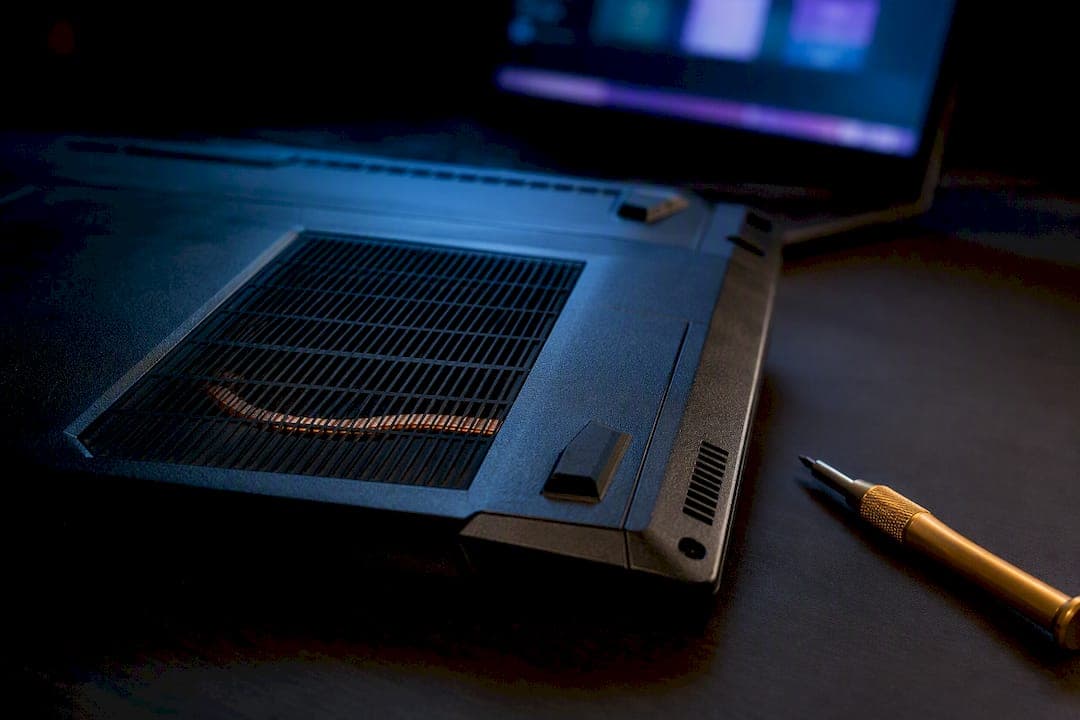
6 Fixes for Windows Gamers to Stop Laptop Overheating in 5–15 min
Windows gamers: test six prioritized fixes in 5–15 minutes—plug in the charger, change power and fan profiles, cap FPS, update drivers; clean or repaste...
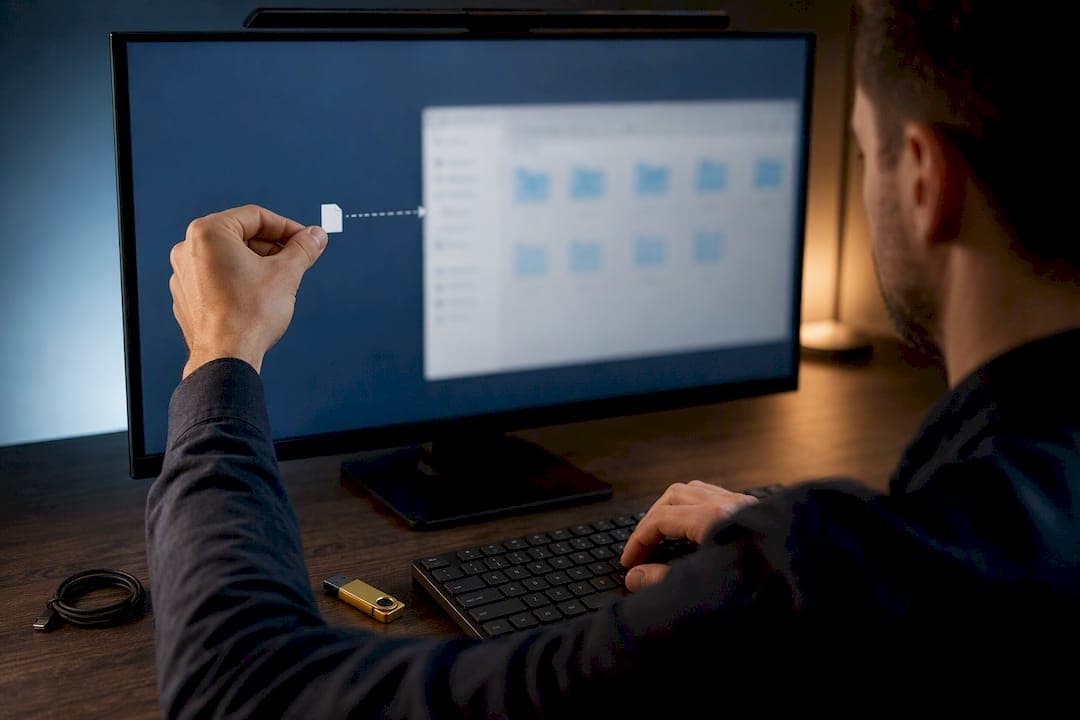
Windows Startup Folder: Stop a Dozen Hidden Autostarts
Locate and use the Windows Startup folder, then follow step-by-step escalations to Settings, Task Manager, Registry, Task Scheduler, and Autoruns to stop...