Blog
Discover our latest articles and blogs

Enable write caching on Windows: avoid Event ID 50 and data loss
Decide whether to enable write caching on Windows with a per drive checklist, Device Manager steps, and safety checks like UPS, backups, and Event ID 50.

Fix Wsappx High Disk Usage: 7 Repair First Steps Using Logs
Stop wsappx high disk usage by diagnosing the failing Microsoft Store package. Follow seven repair first steps, read AppX logs, and avoid registry hacks.

Avoid 24 Hour Block: Create a Windows Restore Point or Use Tempered
Create and restore Windows restore points with clear System Protection steps. See the 24 hour creation limit and when Tempered's undo is the better choice.

Stop Discord High CPU on Windows and Linux: 6 Fixes in 30 Seconds
Start with six 30 second fixes: disable hardware acceleration and the overlay, clear the cache, then record per-core CPU readings and run reproducible...

Read Hotspot, Not Core, and Set a Gamer's GPU Temperature Target
Set a safe 75–80°C GPU temperature target for gaming, learn to read hotspot vs core sensors, build a fan curve, and run quick checks first.

End PC Game Stutter in 20 Minutes With PresentMon Traces
Stop PC game stuttering fast with a Windows 11 aware, frame-time first workflow. Cap FPS, test 1% lows, capture a PresentMon trace, and verify each fix.

Diagnose First: Windows Background Services You Can Set to Manual
Run a clean boot, use services.msc, and test one safe change at a time. Start with SysMain, Windows Search, or Print Spooler and keep services Manual for...
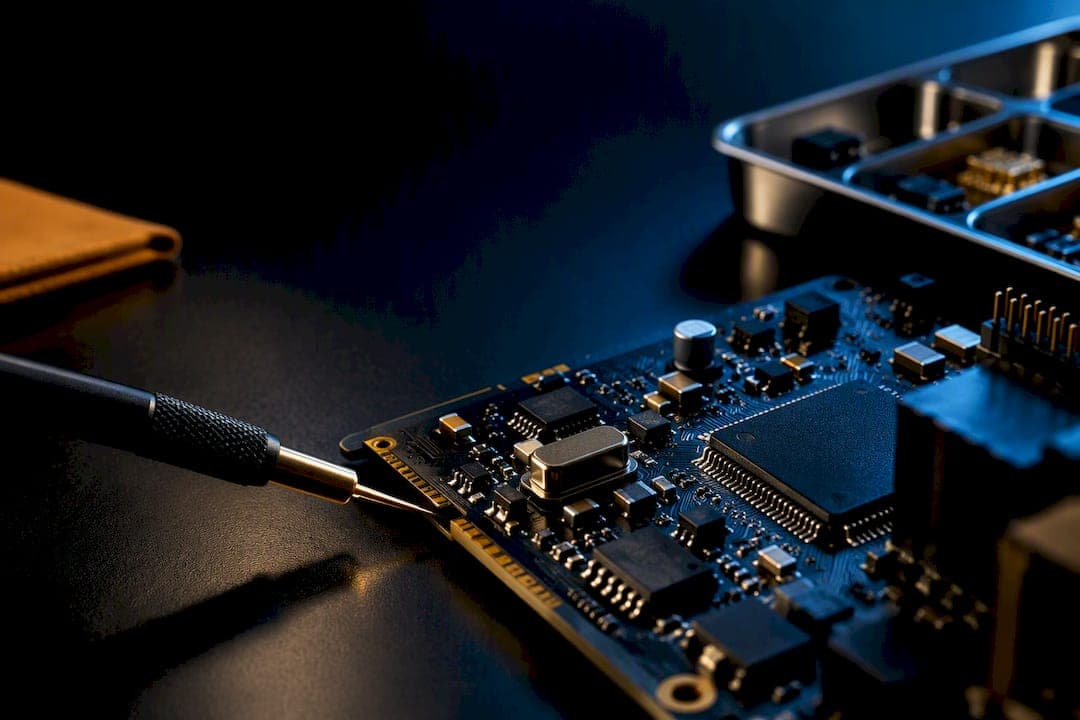
HPET: Expect Under 2% Change on Windows 11, Measure Before Toggling
Windows 11 already picks the fastest timer. Back up your BCD, measure baseline results, and only toggle HPET to diagnose timing issues. Revert if...

Reset Power Settings on Windows 10/11 in 1 Minute, Run 6 Checks
Get Windows 10 or 11 power plans back fast. Two one minute fixes, six diagnostic checks (Modern Standby, OEM tools, Group Policy) and export/restore steps.