Blog
Discover our latest articles and blogs

Edge High Memory Usage: How to Find the Cause and Fix It
Edge eating your RAM? Find the tab, extension or process behind it with Browser Task Manager, then cut memory use with settings Microsoft supports.

How to Disable Hyper-V in Windows 11 (and Make It Stay Off)
Turn off Hyper-V in Windows 11 with Windows Features, PowerShell or bcdedit, fix the 'hypervisor detected' message, and learn what VBS changes.

NVIDIA Performance Settings: What to Change and What to Skip
Which NVIDIA Control Panel and NVIDIA App settings improve game performance, which to leave alone, and how to test each change so you keep what works.

How to Disable Virtualization in Windows 11 Safely
Learn what turning off VBS, Memory Integrity, Hyper-V and core parking really does, how to check each first, and when the change is worth making.

Network Latency Spikes: How to Find the Cause and Fix It
Random ping spikes explained: how to tell Wi-Fi, router, ISP and PC causes apart, run a simple Windows test, and fix each one step by step.
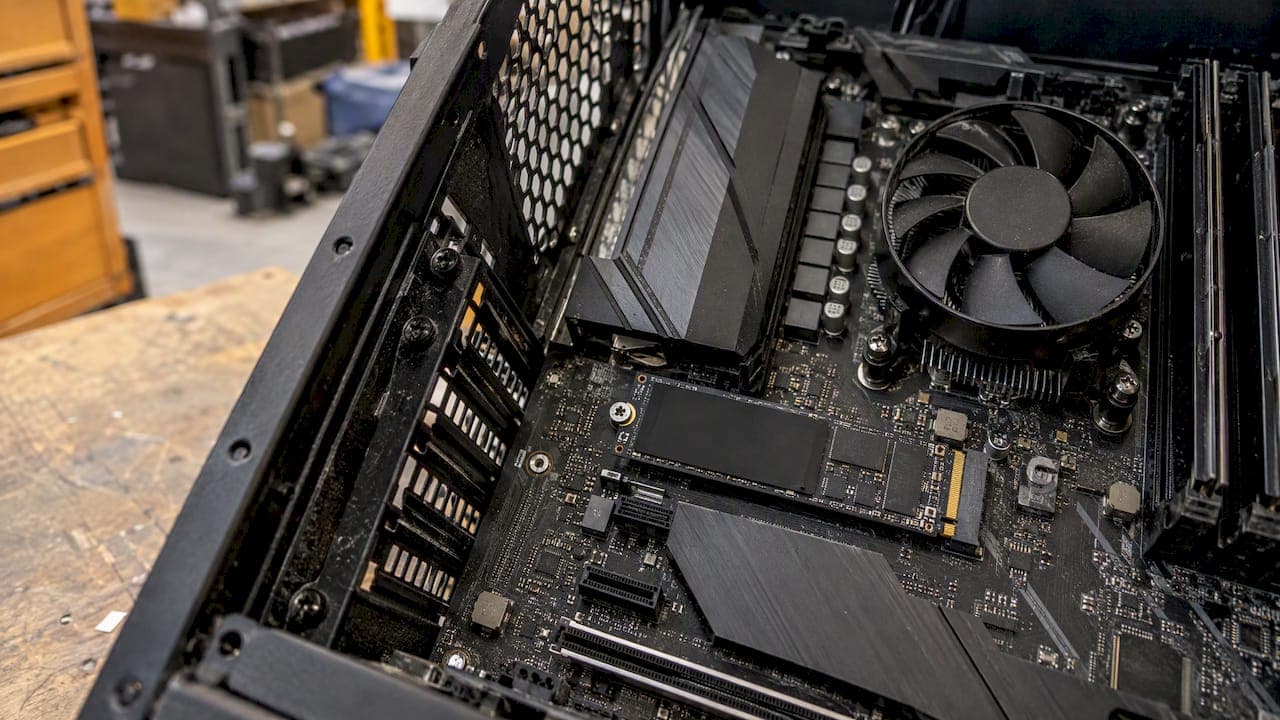
How to Optimize SSD Performance on Windows 10 and 11
Optimizing an SSD on Windows mostly means keeping TRIM on, leaving free space and skipping old myths. Here are the steps that help and the ones to avoid.

Performance Monitor in Windows 11: A Practical Guide
Learn how to open Performance Monitor in Windows 11, pick the right counters, log data with a Data Collector Set and read a powercfg energy report.

Low GPU Usage in Games: Causes and How to Fix It
GPU sitting at 40% while your game stutters? Learn when low usage is normal, how to find the real limiter, and the fixes that work on Windows 10 and 11.

Windows Search High CPU: Why It Happens and How to Fix It
SearchIndexer.exe eating your CPU? Learn when indexing is normal, how to confirm the cause, and the safe fixes in order for Windows 10 and 11.