Blog
Discover our latest articles and blogs

High CPU Usage in Windows 11: Find the Cause and Fix It
Windows 11 CPU stuck near 100%? Learn when high usage is normal, how to find the process or thermal limit behind it, and how to reduce it safely.

SSD Low on Space? How to Find What's Eating It and Fix It
Your SSD is nearly full? Find what is using the space, free it up safely in Windows 10 and 11, and learn how much free room an SSD really needs.

Explorer.exe High CPU: Find the Real Cause and Fix It
Explorer.exe eating your CPU? Work through restarts, shell extensions, thumbnails, network drives and startup apps, with an undo path for every change.

Mouse Lag on Windows 11: Find the Cause, Then Fix It
Mouse lag or stuttering on Windows 11? Run a 30-second test, rule out ports, power saving and polling rate, and fix the real cause in order.

Mouse Acceleration in Windows 11: How to Turn It Off
Windows calls mouse acceleration Enhance pointer precision. Find it, turn it off or on, fix it when it keeps coming back, and learn when games ignore it.

OBS Encoding Overloaded: Causes and Fixes That Work
OBS says encoding overloaded? Find out which status is really failing, then fix it with encoder, preset, frame cap and GPU priority changes, step by step.
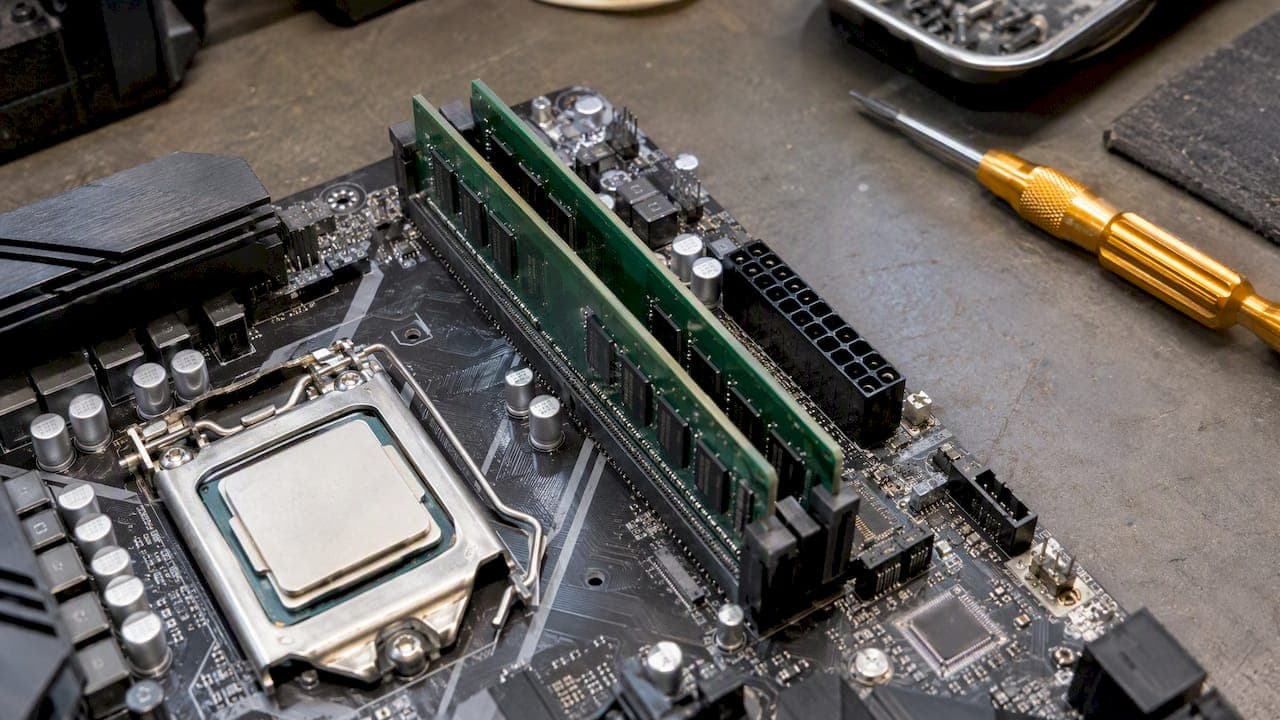
Dual Channel vs Single Channel RAM: What Really Changes
Dual channel vs single channel RAM explained: how much performance you actually gain in games and apps, how to check your setup, and when one stick is fine.

How to Find PC Bottlenecks on Windows 10 and 11
Find what is slowing down your PC: measure CPU, GPU, RAM and disk in Windows, read the numbers correctly, and fix the real limiter before you buy parts.

Reliability Monitor in Windows 11: How to Read It and Fix Crashes
Open Reliability Monitor in Windows 11, read the stability chart, decode Hardware Error entries, and know when SFC and DISM help and when they don't.